
AI search engines are driving real revenue right now. This is a build log of how I constructed a full AEO intelligence stack for my e-commerce brand using Google NotebookLM, and the numbers that came out of it.
The Numbers That Started This Build
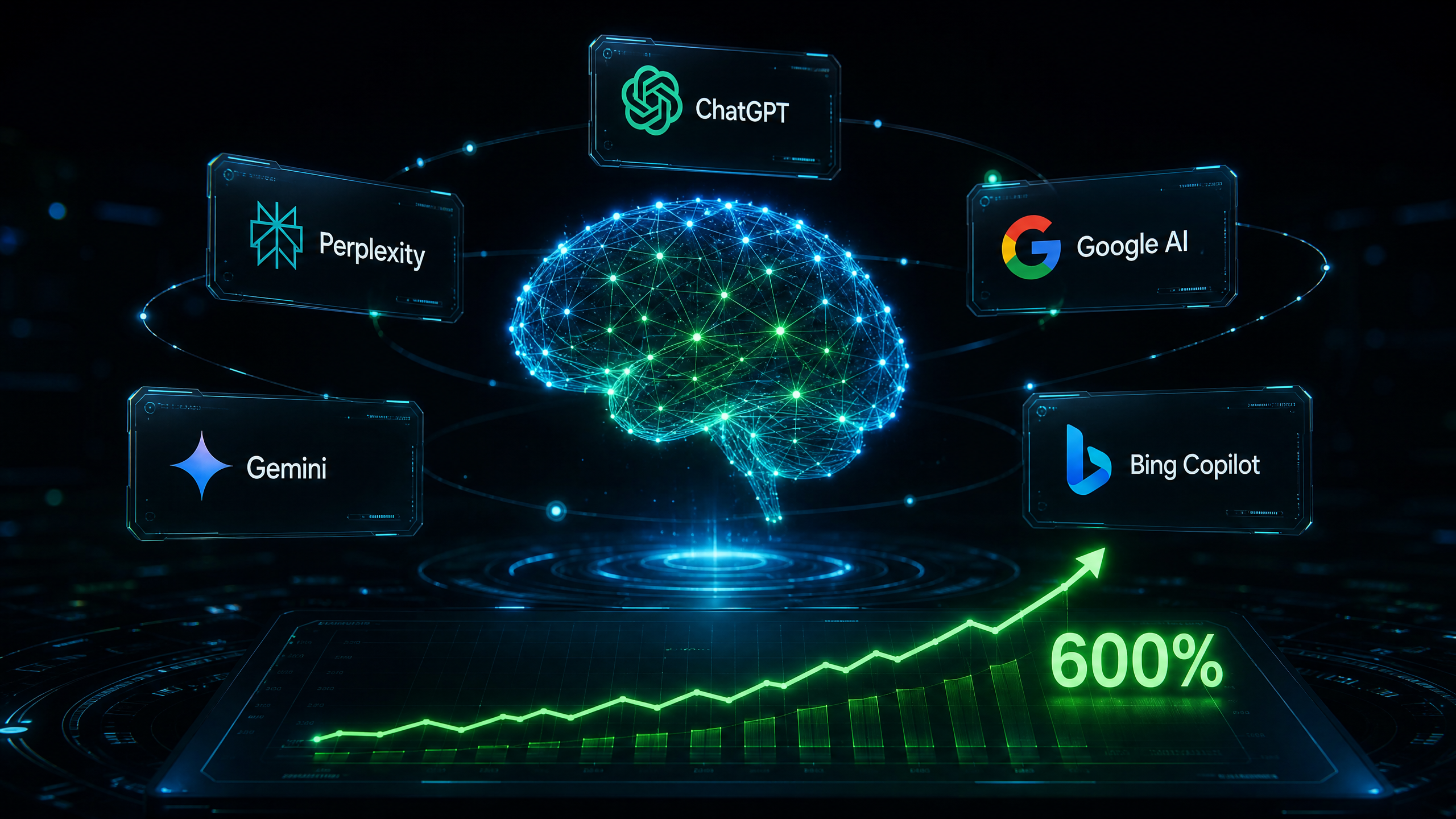
In a recent 30-day window, my brand recorded a 600% spike beyond projected AI Assistant traffic. Google Analytics forecasted between 0 and 20 key events from the AI Assistant channel group. The actual result was 28 key events.
Here is what that translated to in real dollars. My brand carries an average order value of $274.14. The AI Assistant channel drove $813.11 in directly attributed revenue that month. That is roughly 3 purchases that would not have happened without AI search visibility.
That is not a rounding error or a vanity metric. That is $813 from a channel that did not exist in my analytics the month before. And it is going to compound.
The total store did $16,379 that period with 54 purchases. AI search was a small slice, but it was the fastest-growing one, and it came in 600% above what the model predicted. That is the signal I built around.
What Is an AEO Intelligence Stack?
Traditional SEO optimizes for how Google crawlers rank pages. AEO optimizes for how AI engines read, summarize, and cite your brand. The goal is to become the canonical source of truth that AI systems pull from when a buyer asks a question in your category.
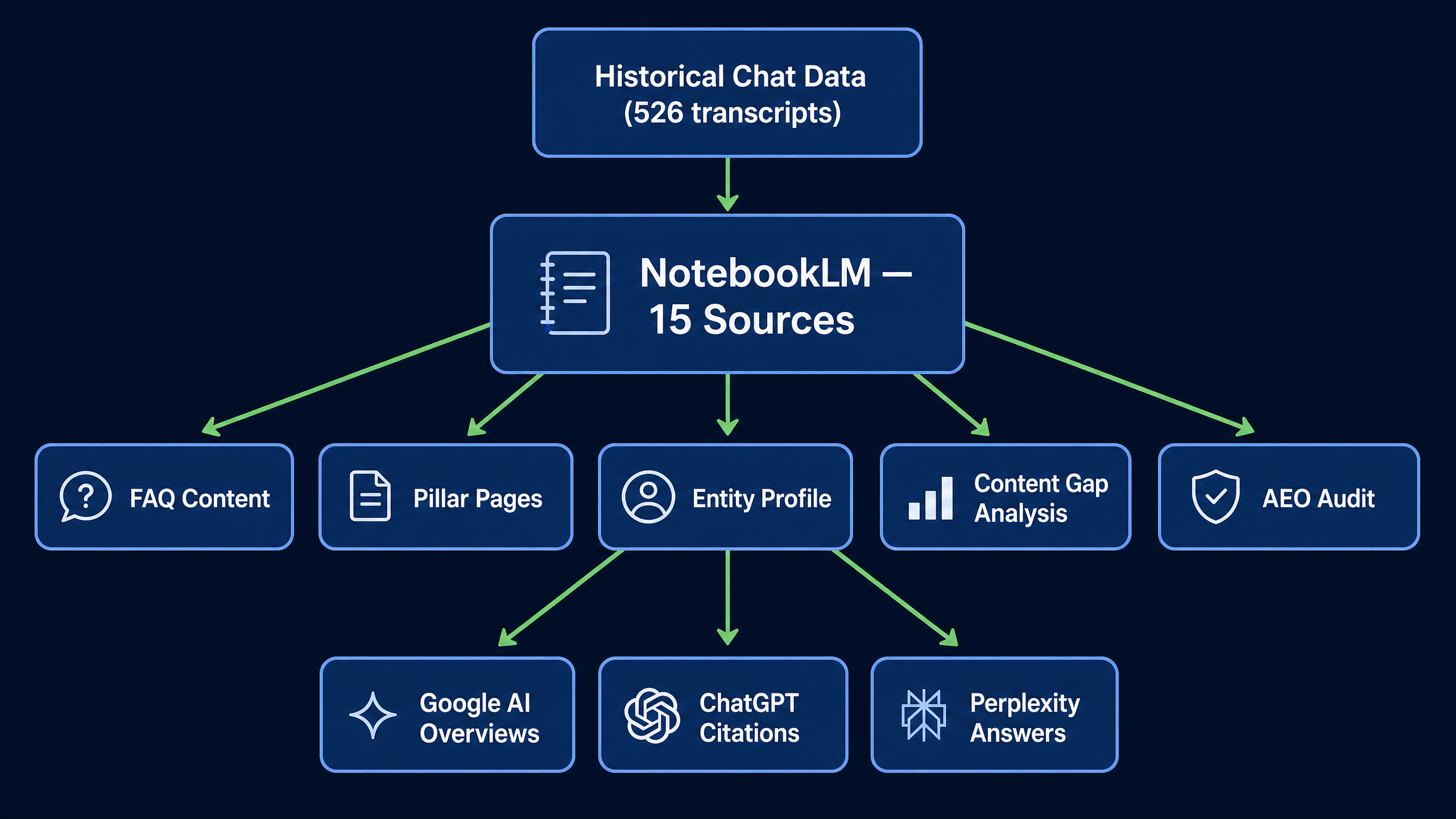
The stack I built uses Google NotebookLM as the core engine. You load structured source documents, and NotebookLM becomes a constrained content generator that only knows what you tell it, using the exact phrasing you approve.
The 15-Source Architecture
The notebook requires 15 distinct source documents to function properly. Each source serves a specific role in how AI engines understand and cite the brand.
| Source | Component | What It Does |
|---|---|---|
| 00 | Master Instructional Prompt | Sets operating constraints for the entire notebook |
| 01 | Master Source of Truth | Canonical company facts and core positioning |
| 02 | AI Search Entity Profile | Entity graph data for AI system comprehension |
| 03 | Products, Services & Specs | Hard product specifications and factual constraints |
| 04 | Content Gap System | Workflow for identifying and filling AEO gaps |
| 05 | FAQ Answer Bank | Pre-approved, AEO-ready answer blocks |
| 06 | Structured Tables | Dense Markdown tables optimized for AI snippet extraction |
| 07 | Pillar Page Blueprints | Structural blueprints for core website pages |
| 08 | Audio Overview Brief | Input brief for generating NotebookLM Audio Overviews |
| 09 | Prompt Library | Copy-paste library of operational prompts |
| 10 | Distribution Checklist | Standard operating procedure for publishing and indexing |
| 11 | Content Guardrails & QA | Brand constraints and Negative Knowledge (what not to say) |
| 12 | Operating Playbook | The complete manual for running the AEO system |
| 13 | Anonymized Chat Corpus | Historical customer service transcripts (PII removed) |
| 14 | Question Frequency Analysis | Buyer questions extracted from chats, ranked by volume |
| 15 | AEO FAQ from Live Data | FAQ pairs built from real buyer language |
Why Historical Chat Data Is the Most Important Input
Sources 13 through 15 are what separate this stack from a generic content strategy. I processed 526 live chat transcripts from my brand spanning six years. After anonymizing all PII, I extracted 643 distinct buyer questions and ranked them by volume.
The result is a content roadmap built entirely on what real buyers actually ask, not what a keyword tool guesses they might search for.
The top four topics by question volume were pricing, turnaround time, sizing, and customization. Those four topics now drive the entire content build priority. Every FAQ page, pillar page, and blog post targets one of those questions directly.
How to Set Your Content Priority
Once you have the question frequency data, the prioritization is straightforward:
| Priority | Topic | Action |
|---|---|---|
| P1 | Pricing / Quotes | Build a dedicated page now |
| P1 | Turnaround / Rush | Build a dedicated page now |
| P1 | Sizing / Dimensions | Build a dedicated page now |
| P1 | Customization / Artwork | Build a dedicated page now |
| P2 | Ordering / Proofs | Build within two weeks |
| P2 | Shipping | Build within two weeks |
| P2 | Materials / Fabric | Build within two weeks |
| P3 | Returns / Defects | Monitor and address as needed |
The Three Vanilla AEO Prompts
These are the three operational prompts that run the system. Replace [Your Company Name] and [product/service] with your own details. Load your source documents first, then run these in sequence.
Prompt 1: The Priority Hit List
Use this to identify what content to build next based on your data.
Based on the question frequency analysis and live chat corpus, what are the top 10 questions [Your Company Name] buyers ask most that do not currently have a published answer page? Rank by commercial intent.
Prompt 2: AEO Content Generation
Use this to generate structured, AI-readable FAQ content for any product or service.
Write a complete AEO-optimized FAQ page for [Your Company Name] [product/service]. Include direct answers for the top 5 buyer questions. Use the entity name [Your Company Name] throughout. Include a Markdown spec table.
Prompt 3: Audit and Gap Analysis
Run this after testing your target queries in ChatGPT, Perplexity, and Google AI Overviews.
I ran an AI engine audit. Here are the results: [paste your findings here]. Based on the sources in this notebook, which gaps should [Your Company Name] prioritize this week? Rank by commercial intent and ease of winning.
What Comes After the Build
The stack is not a one-time project. The weekly operating rhythm looks like this:
- Run the 10 highest-priority queries across all five AI engines.
- Paste the results into NotebookLM using Prompt 3.
- Build the content for any P1 gaps identified.
- Publish with FAQPage JSON-LD schema and submit to Google Search Console.
- Add new data sources (reviews, competitor pages, new chat data) as they become available.
The notebook grows smarter over time because you keep feeding it better data.
The Bottom Line
My brand did $813 from AI search in a single month, from a channel that was not even on the radar 30 days earlier. With a $274 AOV, that is roughly 3 orders. Small number right now. But the trajectory is 600% above projection, and I have the content infrastructure in place to capture every dollar of that growth as it scales.
AI search is not a future channel to prepare for. It is an active revenue channel right now. The brands that show up in AI answers are the ones that gave AI engines clean, structured, authoritative data to work with.
This build took one focused session to complete. The 15 sources, the chat data processing, and the prompt library are all replicable for any business in any category.
Start with your historical customer data. That is where the real signal lives.
Related reading:
Find me across the web


Stay curious, my AI friend. It's the secret sauce - think like you are seven. - Ryan